MOB.XLS is a EXCEL sheet especialy for translate your data into standard RMOB text file. |
To download rmob.xls click here ! |
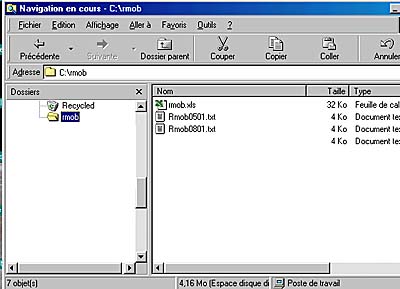
Create an new Directory onto your Hard Disk C: (only) and unzip RMOBXLS.ZIP Then you ave rmob.xls file. Run rmob.xls file (valid : use macro). |
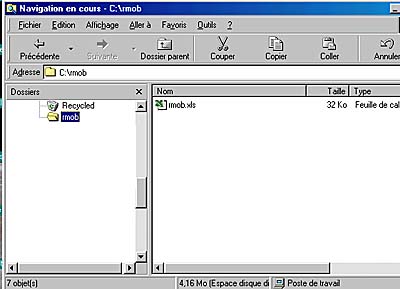 |
Replace example data in the file by your data. Select the "B" column ( First day of the month ). Then press |
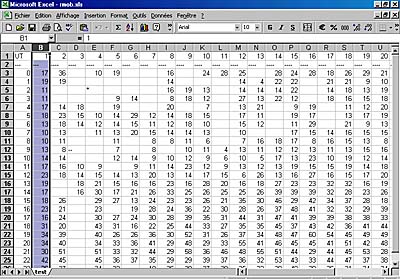 |
| Enter the Year ( 4 digit ) | 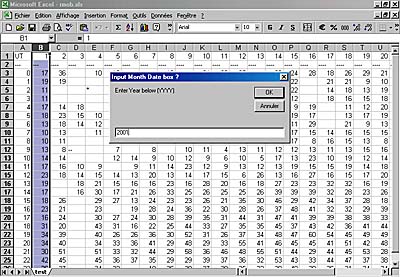 |
| Enter Month (2 digit ) | 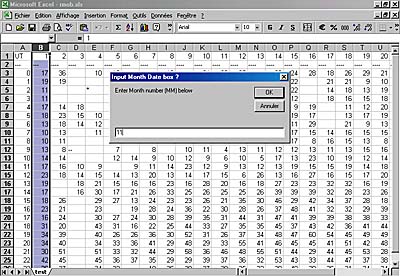 |
| Enter your NAME | Then you ave onto your RMOB directory an new text file named RMOBMMYY.TXT ready to use for RMOB bulletin or Colorgramme |
 |
|
© Radio Meteor Observing Bulletin 2000 - 2026